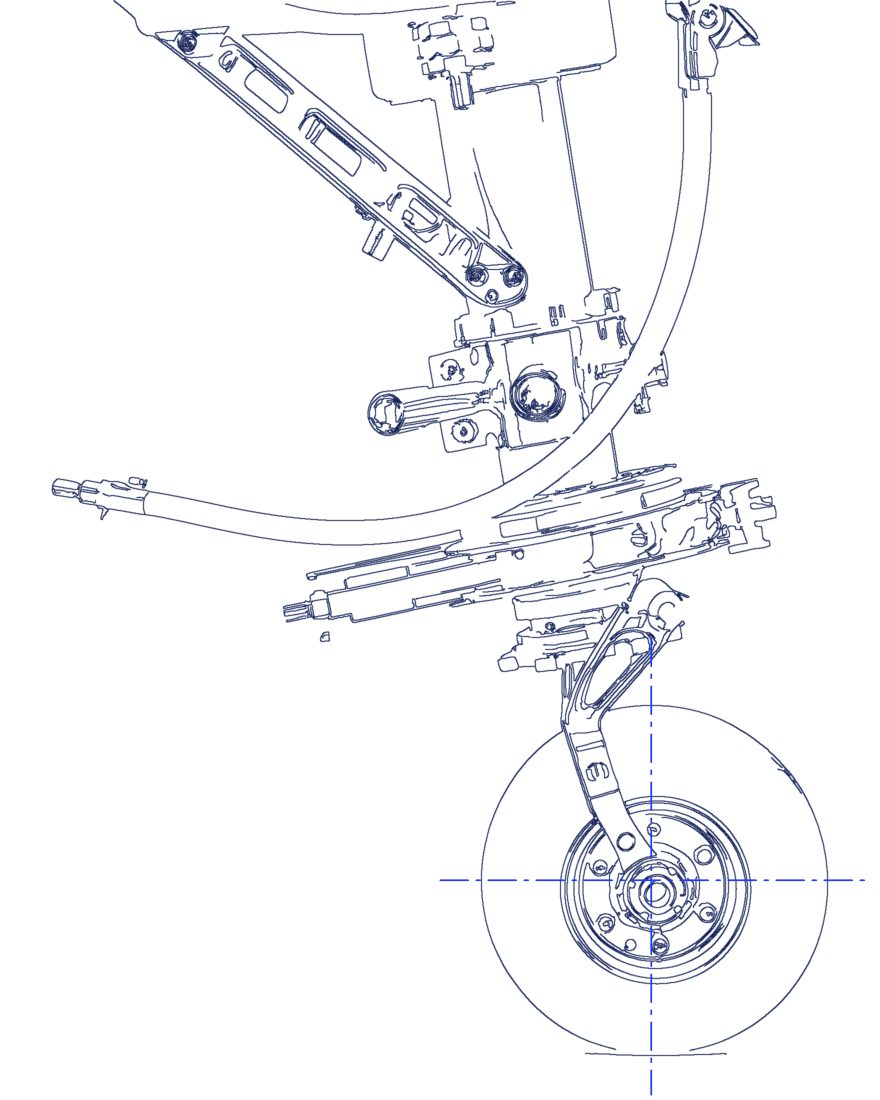
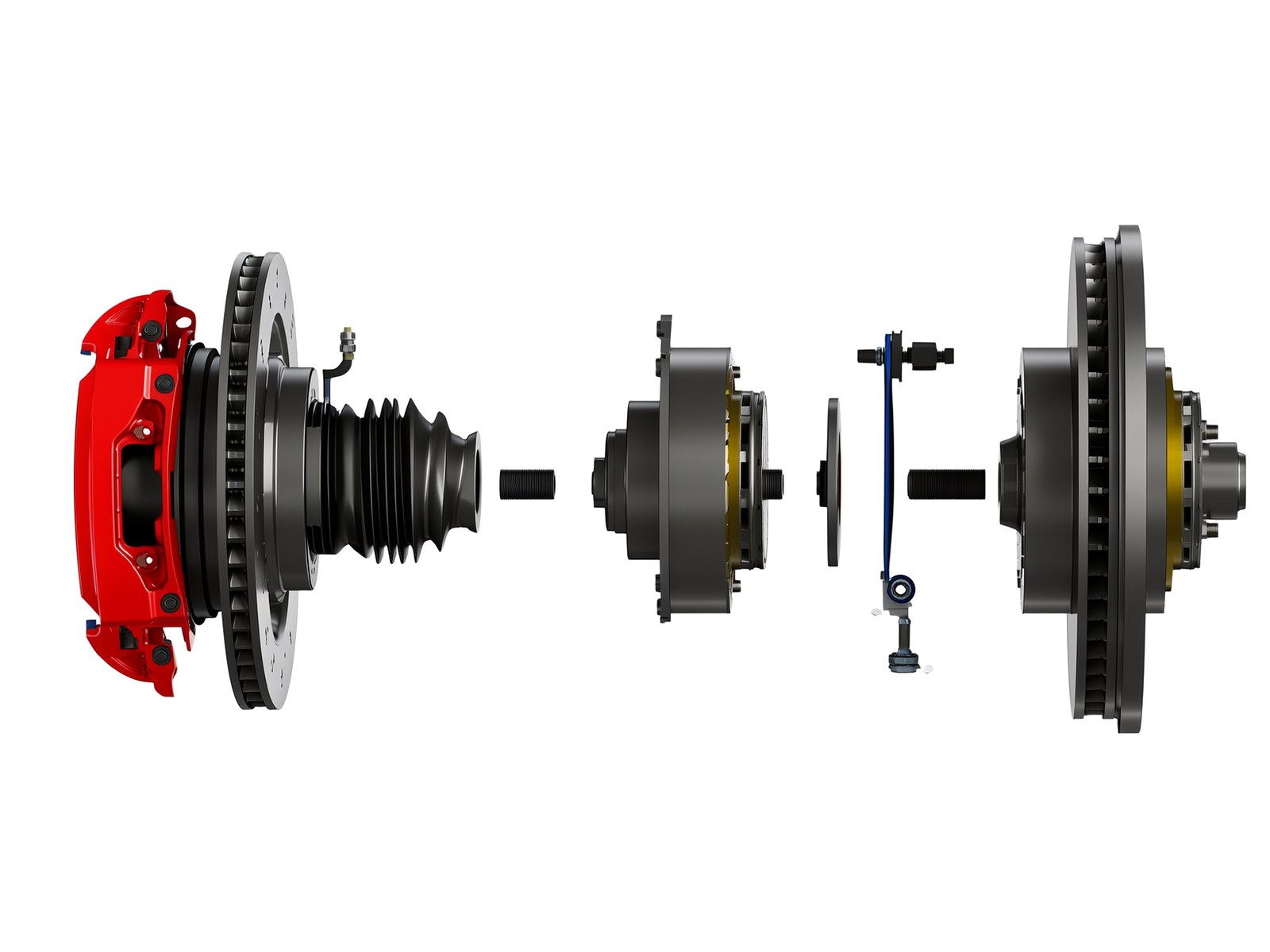
Line drawing of an aircraft nose landing gear with its off-the-shelf parts called out: an AN bolt, a rod end and the wheel bearing

Search, enrich and audit your entire part library

Three products on one connection. Find any COTS part by shape or by sentence, turn decades of CAD into structured data, and retire the duplicates.

Turn twenty years of CAD into structured, searchable data

EnCad Enrichment reads every model, drawing and record in your vault and generates consistent tags, labels, classifications and descriptions. Your data stays in your system. It becomes findable.

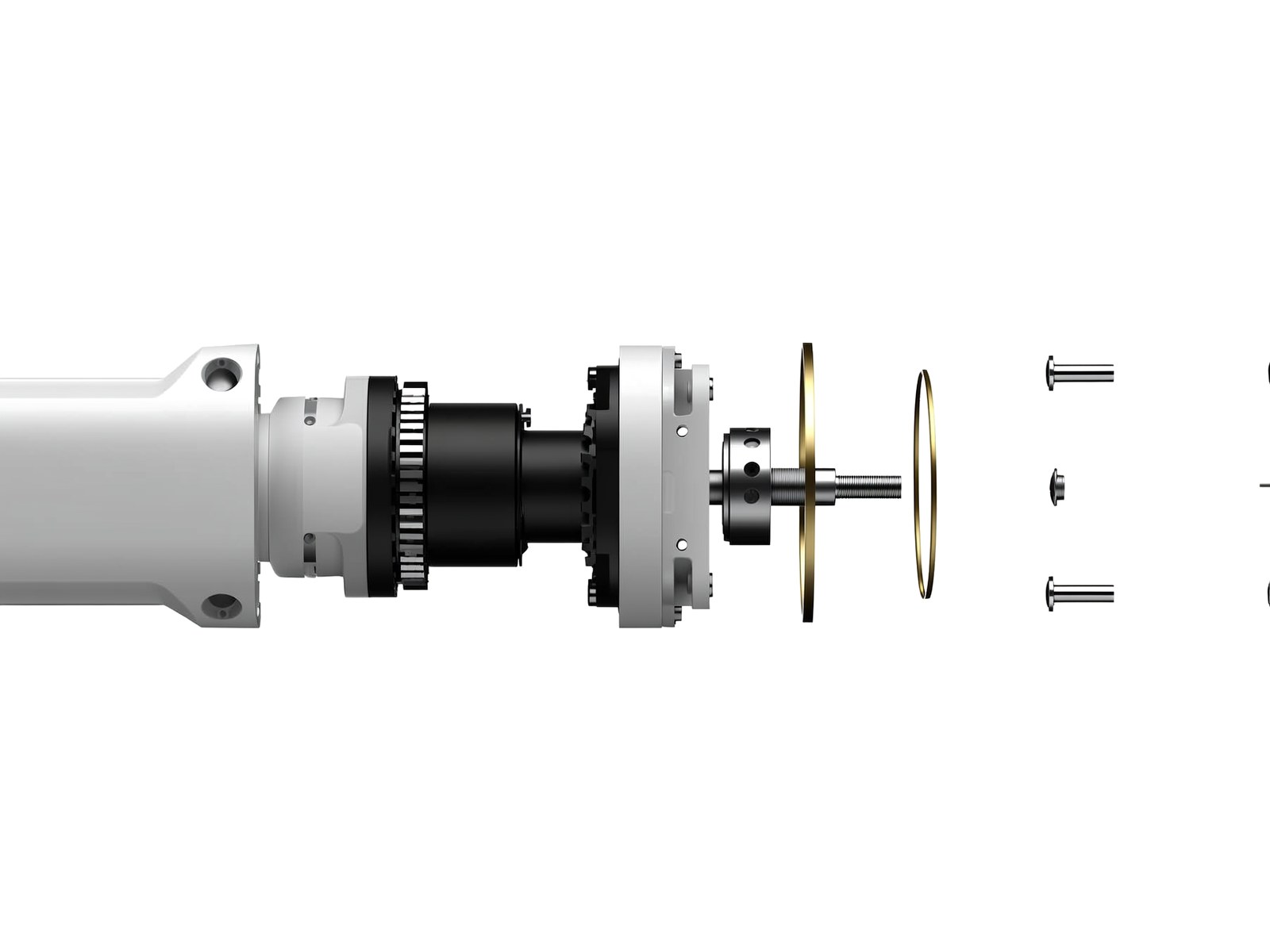
Exploded robot arm joint: servo motor, harmonic drive, cross-roller bearing and cap screws, with the off-the-shelf parts called out
Functional tags
What the part is and does (bracket, fastener, housing, shaft).
Geometric attributes
Envelope dimensions, hole count and pattern, symmetry, features.
Material and finish
Read from the model, drawing notes and existing attributes.
Normalized descriptions
In your standard format.
Classification
Into your taxonomy or an industry standard (eCl@ss, UNSPSC) when you have none.
Embeddings
That power semantic search and downstream AI tools.

Find every duplicate COTS part in your vault. Then retire them.

The EnCad Audit scans your entire library, clusters duplicates by geometry and metadata, and recommends a preferred part for each cluster. Delivered in weeks, not quarters.

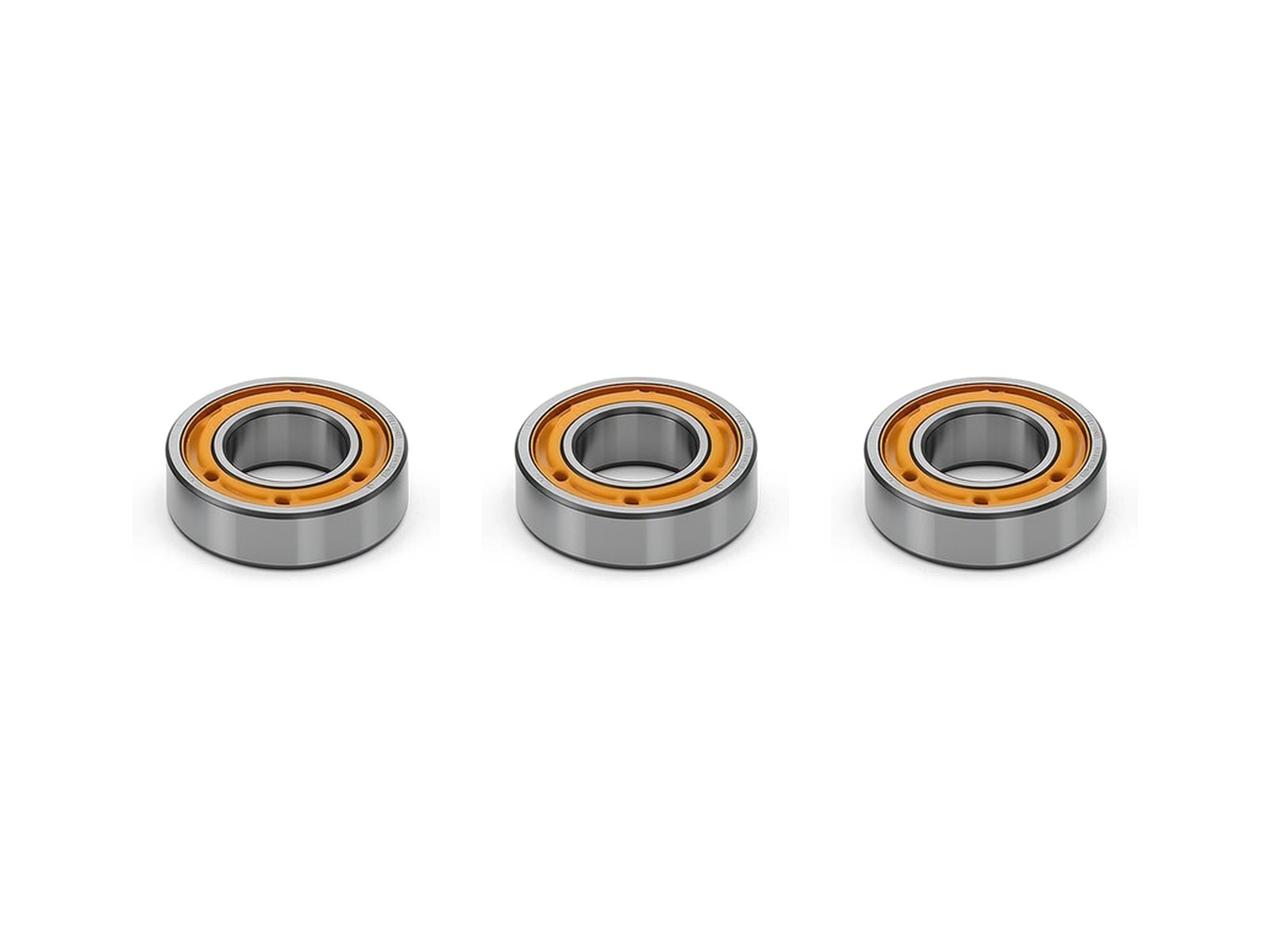
The same 6205-2RS ball bearing stored three times under different part numbers
Per redundant part number$5k‑30kLifetime cost in supplier qualification, drawings, change orders and quality records
  • Duplicate clusters ranked by confidence, with the reason for each match (geometry score, description match, same manufacturer part number)
  • A recommended preferred part per cluster, scored on usage, active BOMs and release status
  • An estimate of the overhead you can retire, based on duplicate counts and a per-part cost you set
  • An executive readout for engineering, procurement and operations

From connection to live search in three weeks

  1. Week 1 · Connect

    EnCad connects to your CAD files and the vault database behind them and starts indexing. Nothing is written back; nothing moves.

  2. Week 2 · Enrich

    EnCad reads geometry, drawings and metadata, generates tags, labels and descriptions for every part, and finds every duplicate cluster. Your data stays in your system; it just becomes findable.

  3. Week 3 · Search and consolidate

    Engineers search by shape or plain language. Your standards team works through the duplicate clusters with EnCad's consolidation recommendations.

  1. Week 1

    Connected and indexing your vault

  2. Week 2

    Full enrichment and duplicates found

  3. Week 3

    Live search and duplicate consolidation

  4. Ongoing

    Re-indexing keeps new and changed files current

What your team does

In week 1, your IT team grants read access and works with our engineers to connect the vault and confirm indexing. In weeks 2 and 3, a few hours a week from your standards team to confirm or reject duplicate clusters. Everything else runs on our side.

FAQ

What is EnCad?

EnCad makes engineering data findable. It reads your CAD files and part records, tags and labels every part, and indexes them for geometric and semantic search, so engineers can find the COTS parts they already use.

Does EnCad need the CAD files, or is a parts list enough?

EnCad needs the CAD files themselves (native CAD, STEP and drawings). Geometry drives search, tagging and duplicate detection, so file access is always part of a deployment.

How does EnCad find duplicate COTS parts?

The EnCad Audit clusters parts by geometry and metadata, ranks each cluster by confidence with the reason for the match, and recommends a preferred part for each.

Which CAD and PDM systems does EnCad work with?

EnCad integrates with all the major CAD, PDM and PLM platforms, as well as home-grown systems. The full list is on the Integrations page.

Do we have to migrate our data?

No. EnCad sits beside your system of record and reads from it. Your data stays where it is, and new and changed files are picked up through re-indexing.

How long does it take to go live?

Most deployments follow a three-week rollout: connected and indexing in week 1, fully enriched with duplicates found in week 2, and live for search and duplicate consolidation in week 3.

Can EnCad run on-prem or in an ITAR environment?

Yes. EnCad deploys in the cloud, in your VPC or on-prem, and air-gapped environments can use a mirrored share. See Security.

See what is hiding in your vault

Book a 30-minute vault assessment. We review your setup, estimate your duplicate rate and show you what EnCad would find.